Day 2: Bug Fixing and Polish
Day 2 of the Jam was mainly dedicated to solving bugs regarding the portal mechanic instead of implementing new features
First issue: diagonal movement. This was patched by a simple conditional when taking player input— instead of taking input from both directions, it would prioritise taking input from the X axis than the Y axis. This is so that when both directions are inputted, it will only take the X axis, instead of adding both X and Y into the Vector3 calculations. Movement speed was also adjusted so that the player has time to adjust instinctively the timing of inputs to allow more character control.
Next on the agenda is the logic of portals. I needed an MVP to prototype, so I prioritised the standard functionality of the portals. I added a quick and patchy solution for this: get the first portal GameObject, when the player RigidBody collides with the portal collider, move the player to a variable named targetOut (referencing the coordinates of the target destination GameObject). But bugs happen.
The issue with this logic is that because both portals functionally are also their entry and exit points, the player is ALWAYS colliding with a portal, endlessly moving between them. The solution? Disable the portal upon use, activating it again only if the player has left a portal collider. OnTriggerExit2D handles this logic easily.
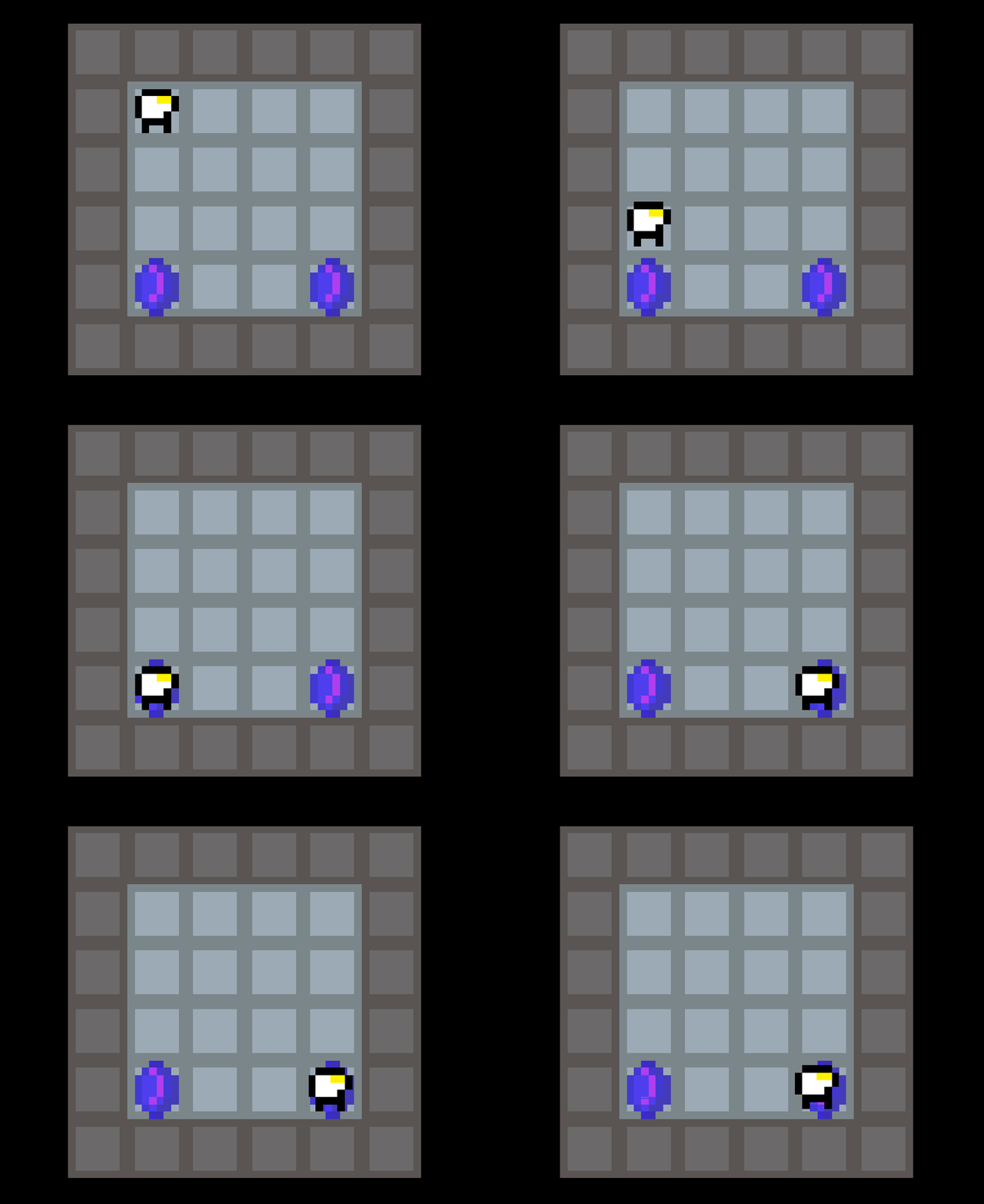
But a new bug emerged. The pointer I used to determine where the player would go for the grid-like movement was a separate GameObject, and I forgot to move it. The result was an endless chase towards the pointer, back to the portal. By including the pointer in the player transform logic, the issue was resolved. An easy fix, but still amusing.
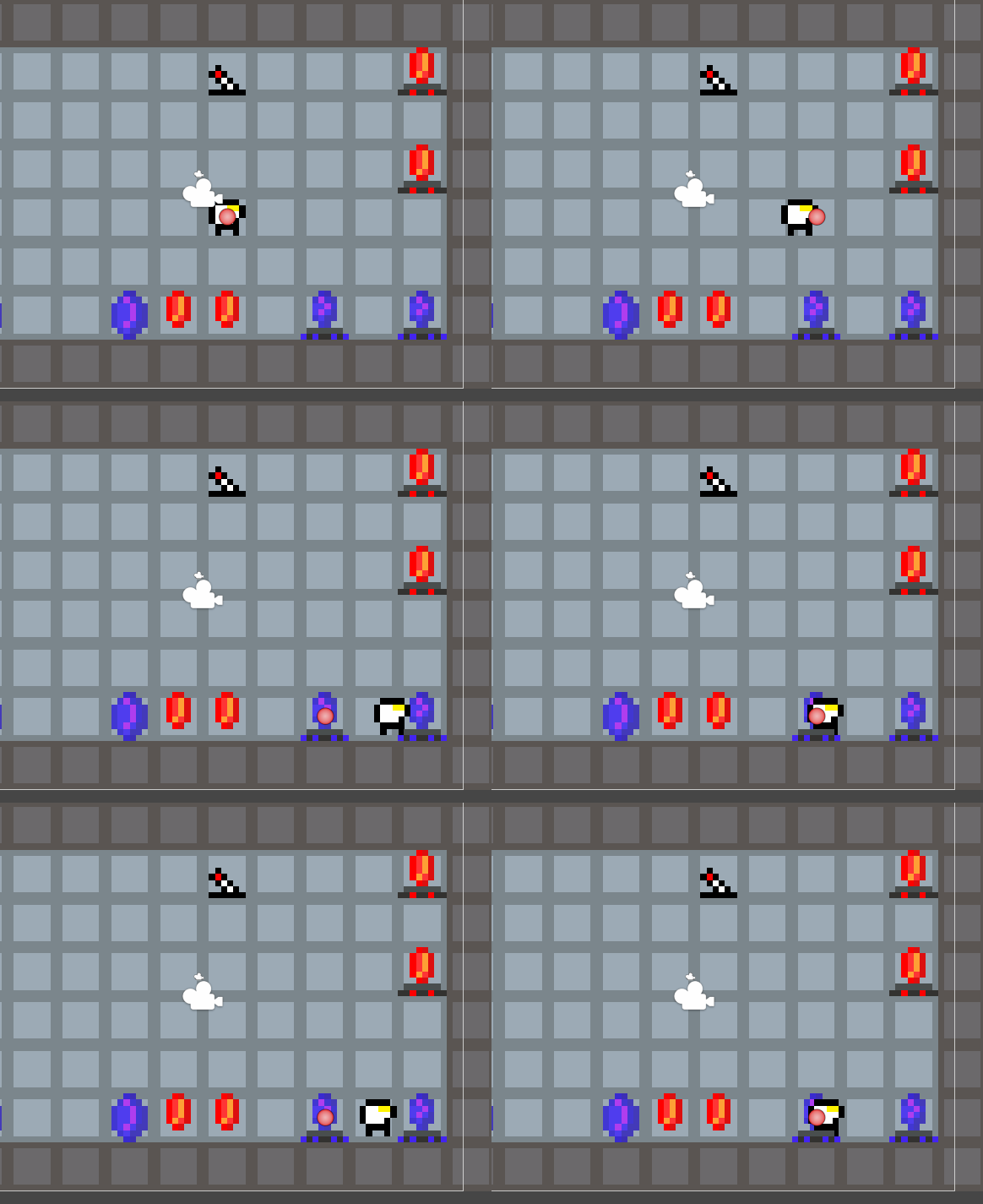
Next I wanted to separate the disappearing and permanent portals. Since both portals used the same script, I need an identifier in the editor. It couldn’t be based on their object names, as duplicate objects (portalBlue1 and portalBlue2) complicate scalability. I settled on using tags. Each prefab is tagged with either a Temp or Static portal. The portal logic then checks for the tags on activation, in the same order as the player transform logic is. If it is a Temp portal, it gets destroyed.
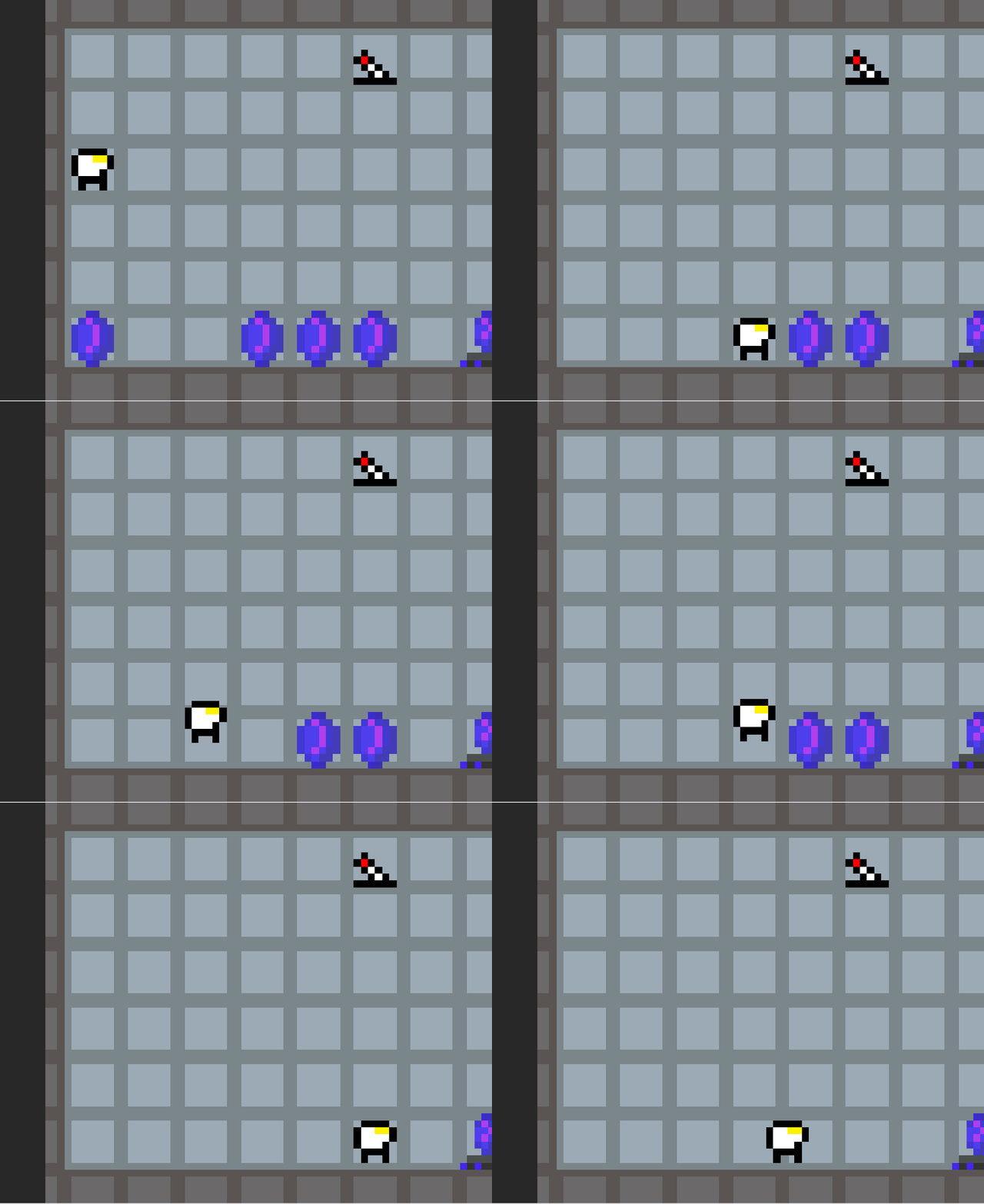
I was worried that it would accidentally destroy ALL portals with that tag, but because the line is run during portal activation, only linked portals are affected. This allows for more selective portal pairing and level design.
Currently, the portal logic works by explicitly telling each portal where to go; every portal game object needs to be told its target destination by referencing another GameObject. This would drastically slow down level implementation, especially in levels with many portals. More importantly, it would not work for the colour pairing logic I have planned. So tomorrow, I will start working on the automatic portal pairing system.
Leave a comment
Log in with itch.io to leave a comment.